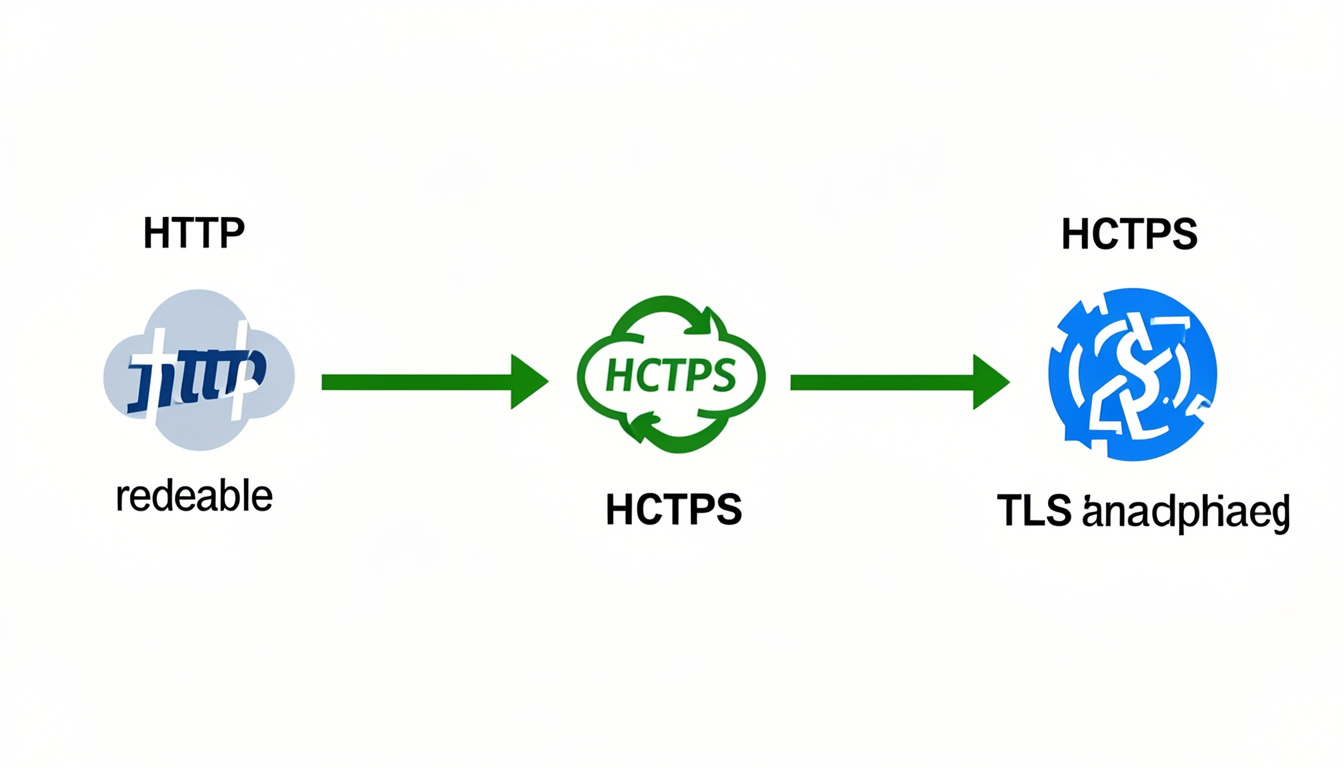
Have you ever looked at the top of your web browser and wondered what those little letters mean? Most websites start with either HTTP or HTTPS. While they look almost the same, that tiny “S” makes a world of difference for your safety. In simple terms, the difference between http and https is all about security. Think of HTTP as sending a postcard that anyone can read. HTTPS is like putting that message in a locked safe before sending it.
When you browse the web, you want to know your private information stays private. Whether you are shopping or just reading a blog, security should always come first. Using a secure connection helps keep hackers away from your passwords and credit card numbers. In this guide, we will break down how these systems work in a way that is super easy to understand. We want you to feel like a pro the next time you look at a website link.
Understanding the Basics of HTTP
HTTP stands for Hypertext Transfer Protocol. It is the basic language used by your web browser to talk to a website’s server. When you type a web address, HTTP helps fetch the text and images you see on the screen. However, there is a big catch with this old version. It does not scramble the data it sends. This means if a bad person “listens in” on your internet connection, they can see everything you are doing.
Imagine you are passing a note in class. If you don’t fold it up, anyone who catches it can read your secrets. That is exactly how HTTP works. It was great when the internet first started because people mostly just read public pages. But today, we share a lot of private stuff online. Because of this, the difference between http and https has become a very important topic for everyone to learn about.
Why the “S” in HTTPS is So Important
The “S” at the end of HTTPS stands for “Secure.” This version uses a special technology called an SSL certificate to protect your data. This certificate creates a secret code between your computer and the website. Even if someone tries to steal your data, they will only see a bunch of random gibberish. This is why you should always look for that “S” whenever you are entering a password or buying something online.
When a site uses HTTPS, it tells your browser that the site is real and safe. It’s like a digital ID card. It proves that the website is who they say they are. Knowing the difference between http and https helps you stay smart while surfing. Most modern browsers like Chrome or Safari will even show a little green padlock icon to let you know you are safe. It gives you peace of mind while you explore the web.
How Data Encryption Keeps You Safe
Encryption sounds like a big, scary word, but it is actually quite simple. It is the process of turning your information into a secret code. When you use a site with HTTPS, your data is encrypted before it ever leaves your computer. Only the website you are talking to has the “key” to unlock that code. This makes it almost impossible for hackers to steal your private details while they travel through the internet.
Let’s look at a real example. If you login to your bank on an HTTP site, a hacker on the same Wi-Fi could see your password. But on an HTTPS site, they would only see a long string of random numbers and letters. This is the main difference between http and https that keeps your bank account safe. It is like having a private bodyguard for your digital information every time you click a link.
The Role of SSL and TLS Certificates
To get that “S” and the padlock icon, a website owner must buy an SSL certificate. SSL stands for Secure Sockets Layer. Today, most people actually use a newer version called TLS, but we often still call it SSL. These certificates are issued by trusted companies that verify the website is legitimate. Without this certificate, your browser will often show a scary “Not Secure” warning to warn you to stay away.
Getting a certificate is like getting a gold star for a website. It shows that the owner cares about your privacy and safety. When we talk about the difference between http and https, we are really talking about whether a site has this protective layer. It is a simple step that makes the whole internet a much friendlier place for everyone. Always check for that certificate before sharing any personal stories or data.
Why Google Prefers HTTPS Websites
Google is the king of the internet, and they want their users to be safe. Because of this, Google gives a ranking boost to websites that use HTTPS. If you have two websites that are exactly the same, the secure one will usually show up higher in search results. This is a huge difference between http and https for business owners. If you want people to find your site, you need to make sure it is secure.
Back in the day, only shopping sites used HTTPS. But now, Google wants every single site to be safe. They even mark HTTP sites as “Not Secure” in the address bar. This can scare away visitors who think your site might have a virus. By switching to HTTPS, you are showing both Google and your readers that you are a professional who can be trusted with their time.
Faster Loading Speeds with Modern Protocols
Many people think that adding security makes a website slower. Actually, the opposite is often true today! HTTPS allows you to use a newer technology called HTTP/2. This technology makes websites load much faster than the old HTTP version. So, the difference between http and https isn’t just about safety; it’s also about how fast you can watch videos or read articles. A faster site makes everyone happy.
When a site loads quickly, people stay longer and enjoy themselves more. No one likes waiting for a slow page to open. By using HTTPS, a website owner is making the site better for the user in two ways: keeping them safe and saving them time. It is a win-win situation for everyone involved. This is why almost every major website in the world has made the switch to the secure version.
Protecting Your Privacy on Public Wi-Fi
Have you ever used the free Wi-Fi at a coffee shop or an airport? These networks are often not very secure. If you visit an HTTP website on public Wi-Fi, other people using the same network might be able to see what you are looking at. This is a big privacy risk. Understanding the difference between http and https is vital when you are out and about using public internet.
HTTPS hides your activity from other people on the same network. They might know you are on a certain website, but they won’t know which specific pages you are viewing or what you are typing. It acts like a curtain over your screen. Always make sure you see that padlock icon before you do anything important while sitting in a cafe. It is the best way to keep your digital life private.
How HTTPS Prevents Website Tampering
Sometimes, hackers don’t want to steal your data; they just want to mess with what you see. On an HTTP site, a middleman could change the text or images on a page before it reaches your eyes. They could even add fake ads or bad links. HTTPS stops this from happening. It ensures that the website you see is exactly what the owner intended for you to see.
This is called “integrity.” It means the data hasn’t been changed or broken during its trip. The difference between http and https here is like getting a sealed box in the mail versus an open one. With HTTPS, you know no one has touched your “package” until it got to your house. This prevents people from spreading lies or tricking you into clicking on things that could hurt your computer.
Building Trust with Your Online Visitors
Trust is the most important thing on the internet. If people don’t trust you, they won’t read your words or buy your products. Seeing the padlock icon and the “https://” prefix makes people feel comfortable. It tells them that you have taken the time to protect them. The psychological difference between http and https is massive for building a loyal community of readers.
When a visitor sees a “Not Secure” warning, they usually click the “back” button immediately. They feel like they are entering a dangerous neighborhood. On the other hand, a secure site feels like a clean, well-lit store. By choosing HTTPS, you are telling your visitors, “I value you and your safety.” That kind of kindness goes a long way in making your website a success in the long run.
Easy Steps to Switch to HTTPS
If you have a website and it is still using HTTP, don’t worry! It is very easy to fix. Most web hosting companies offer free SSL certificates through a service called Let’s Encrypt. You can usually turn it on with just one click in your settings. Once you do that, your site will automatically start using the secure version. Understanding the difference between http and https is the first step toward making the switch.
After you turn it on, you just need to make sure all your old links point to the new secure address. This is called a “301 redirect.” It tells the internet that your home has moved to a safer location. It takes just a few minutes, but it protects your site forever. Every website owner should make this a priority to keep the internet safe for everyone who visits.
Conclusion
In the end, the difference between http and https is very clear. One is an old way of doing things that leaves your data out in the open. The other is a modern, safe, and fast way to browse the web. HTTPS protects your secrets, makes your site load faster, and helps you show up higher in search results. It is the gold standard for the modern internet.
Whether you are a visitor or a website owner, always prioritize the secure “S.” It is a small change that has a huge impact on your digital life. Staying safe online doesn’t have to be complicated. By looking for the padlock and choosing HTTPS, you are taking a giant step toward a better, safer internet experience. Stay curious, stay safe, and always look for the “S”!
FAQs
1. Is HTTPS 100% safe from all hackers? While HTTPS is much safer than HTTP, nothing on the internet is 100% perfect. It protects your data while it travels, but you still need to be careful about which websites you trust and what passwords you use.
2. Does a padlock icon mean a website is a scam or not? Not necessarily. A padlock just means the connection is private. Even a bad person can buy an SSL certificate. Always check that the website name is spelled correctly and looks professional.
3. Will switching to HTTPS slow down my website? No! In fact, thanks to modern technology like HTTP/2, HTTPS is often faster than the old HTTP. It is a great way to speed up your site and keep it safe at the same time.
4. Do I need HTTPS if I don’t sell anything on my site? Yes! Even if you just have a simple blog, HTTPS protects your readers’ privacy and helps your site rank better on Google. It is recommended for every single website today.
5. How can I tell the difference between http and https easily? Just look at the web address in the bar at the top of your screen. If it starts with “https” and has a padlock, it is secure. If it says “Not Secure” or just “http,” it is not.
6. Is an SSL certificate expensive? It doesn’t have to be! Many web hosts provide them for free through “Let’s Encrypt.” You can have a secure website without spending any extra money.